How to Photograph Coral Aquariums | Tips for Lighting and Camera Settings to Bring Out Color
To capture fluorescent and intricately shaped corals beautifully in photos, understanding how lighting and camera settings work together is the quickest path to success. This article summarizes common pitfalls and how to address them.
Key Takeaways
To capture fluorescent and intricately shaped corals beautifully in photos, understanding how lighting and camera settings work together is the quickest path to success. This article summarizes common pitfalls and how to address them.
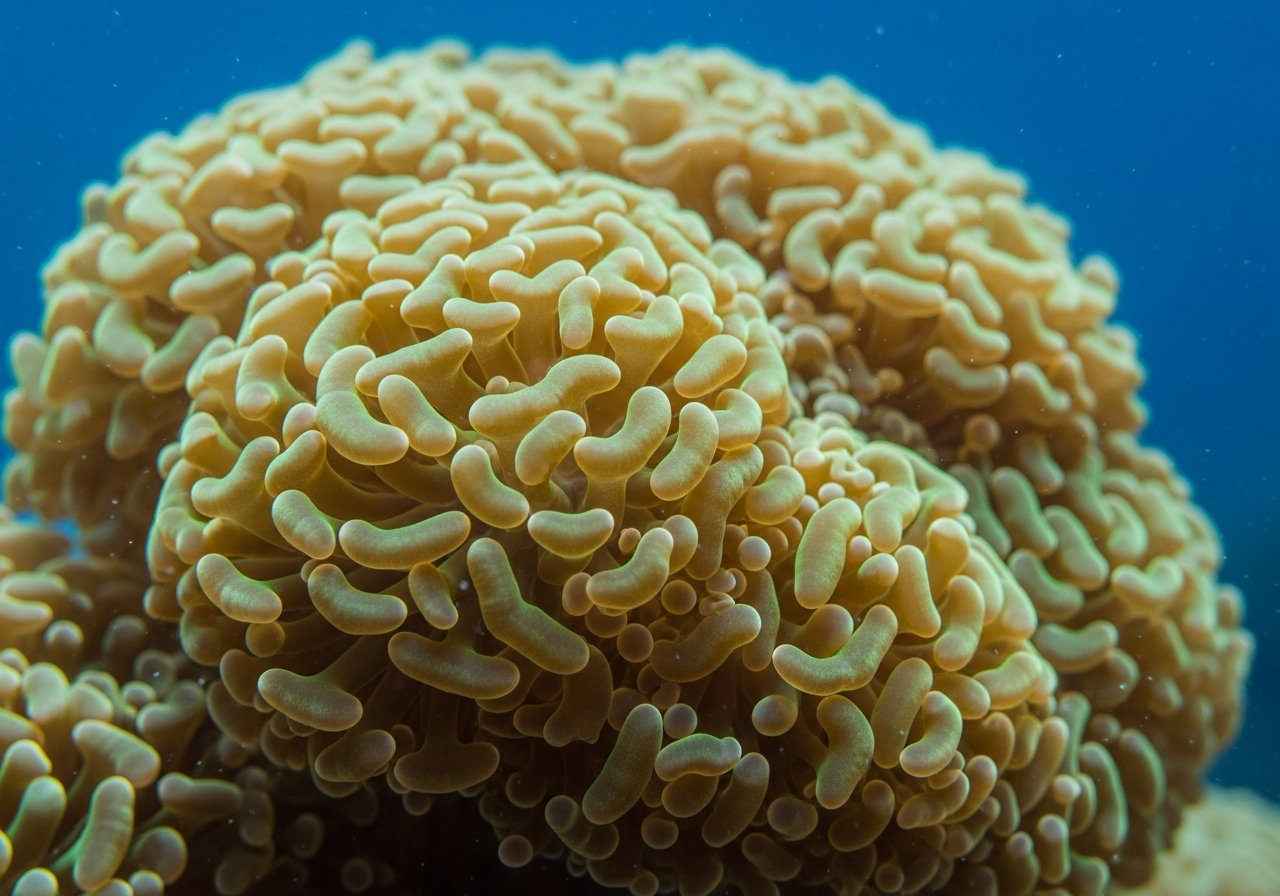
When gazing at a coral aquarium, colors that appear vivid to the naked eye often become muted in photographs, or conversely, take on an unnatural purple or solid blue cast. This occurs because much of a coral's coloration depends on fluorescence and reflection of intense blue light, and standard camera settings struggle to reproduce what the human eye perceives. Here, we organize the key considerations regarding lighting and camera settings for capturing beautiful photos of a coral aquarium.
Why Do Aquarium Photos Lose Color So Easily?
Coral aquarium lighting typically has a high proportion of blue light to promote growth and coloration. The human eye adapts to the surrounding environment and perceives it as close to natural white light, but a camera's auto white balance gets pulled toward the intense blue light, causing the entire photo to shift to a blue cast. Conversely, applying too much correction can strip the coral's natural fluorescence, leaving it looking like a dull brown mass. Somewhere between "too blue" and "color loss" lies the setting that will yield a photo closest to reality.
Set White Balance Manually for Each Tank
Rather than relying entirely on auto white balance, if using a camera or smartphone app capable of manual Kelvin temperature adjustment, start by taking several test shots to find a setting that matches what you see with your own eyes. Once you find a good setting for the same lighting and tank, it becomes reusable, so establishing a "this tank uses this setting" reference makes subsequent shooting considerably easier.
Understanding Exposure and Shutter Speed
Coral aquarium lighting may look bright, but it often falls into the dim category for camera sensors. In auto mode, shutter speed slows, causing blurred polyps swayed by water flow and swimming fish. To avoid camera shake and subject blur, slightly raising ISO sensitivity to secure adequate shutter speed often yields more satisfying results than you might expect. Conversely, for static compositions where you can take your time framing, keeping ISO sensitivity low to prioritize image quality is an effective approach.
Reducing Glass Reflections and Glare
A common pitfall in aquarium photography is having lighting, room lights, or your own reflection appear on the glass surface. By bringing the lens as close as possible to the glass surface and pressing it against it, you can significantly reduce reflection. Lowering the room lights during shooting and using a lens hood are also helpful techniques. When shooting with a smartphone, there is also a simple method of covering just the lens area with a black cloth tube or similar to block outside light.
Being Mindful of Composition and Timing
While corals seem like static subjects, they change expression dramatically with polyp extension and contraction and movement from water flow. Timing your shots for when polyps are likely to extend—such as right after feeding or just before lights off—tends to result in more lively photos. If you want to include fish, waiting in front of the tank during feeding time makes it easier to capture natural swimming moments.
Taking Advantage of Smartphone Auxiliary Lenses and Protective Filters
Even with a smartphone's standard camera, attaching a clip-on macro lens allows close-up photography of polyp tips and mouth disk patterns. When using a macro lens, depth of field becomes extremely shallow, so even slight camera movement causes focus to shift. Holding firmly with both hands or resting your elbow lightly on the tank's edge to stabilize the camera increases your success rate. If there are fingerprints or water droplets on the glass surface outside the tank, shooting through them as-is will make the entire photo appear hazy, so wiping the glass with a dry cloth before shooting is a simple step with significant impact.
Setting a Fixed Position for Time-Lapse Observation
If you want to compare growth and color changes, being mindful of taking photos from the same position, distance, and angle each time—"time-lapse observation"—makes comparison easier. It is ideal to use a tripod or smartphone stand to fix your shooting position, but if that is difficult, simply placing tape marks on the tank's edge or floor can dramatically improve reproducibility for future shots. Keeping a note of the shooting date also makes it easier to assess the pace of change when reviewing later.
Using Your Photos as Records
Taking aesthetically pleasing photos is enjoyable in itself, but repeatedly photographing at the same angle with the same settings creates a record that lets you compare coral growth and color changes. Reviewing shots side by side over months often reveals changes that daily observation alone might miss. For more on the significance of keeping individual specimen records, see The Meaning of Keeping Individual Coral Records (Collections) | What You Learn by Preserving Provenance and Lineage and Coral Individual History and Lineage Management | Developing Your Selective Eye Through ReefBook-Style Provenance Tracking. Please refer to these along with your photography habits. It is also recommended to check the characteristics of each species in the catalog while photographing; try searching for species of interest from the Coral Catalog.